- 34 replies
- 163,593 views
- Add Reply
- 0 replies
- 2,120 views
- Add Reply
- 0 replies
- 1,938 views
- Add Reply
Nintendo Wii Virtual Console games just ROMS and HTML files?

[ Digg it: http://digg.com/nintendo/Nintendo_Wii_Virt..._and_HTML_files ]
The Nintendo Wii homebrew/hacking scene hit a big case of misfortune recently after the encryption for the Wii virtual console games was decrypted. Many sceners did not want this to publicly happen, as they feared it would shorten the lifespan of the Wii from piracy, and Nintendo would be more adamant in patching holes for newer firmwares.
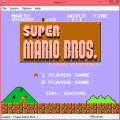
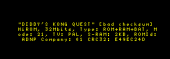
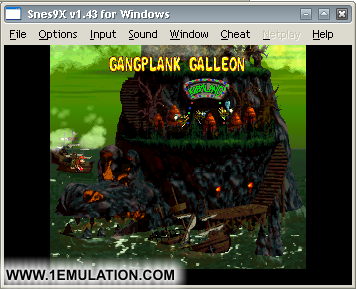
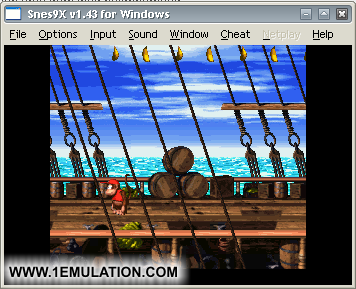
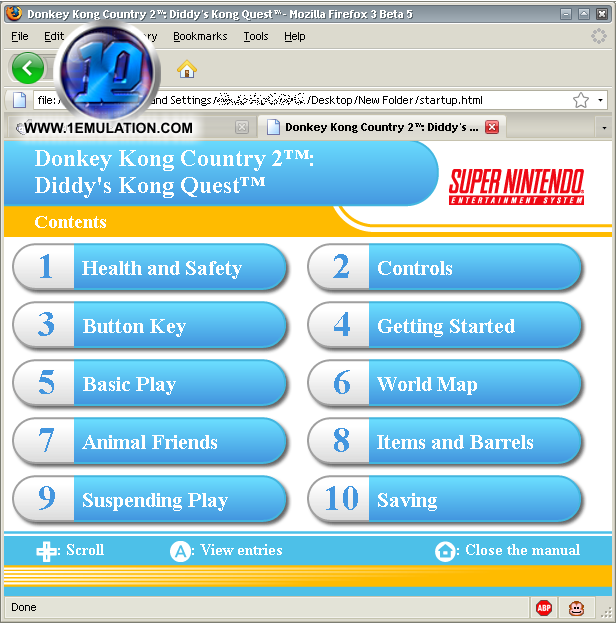
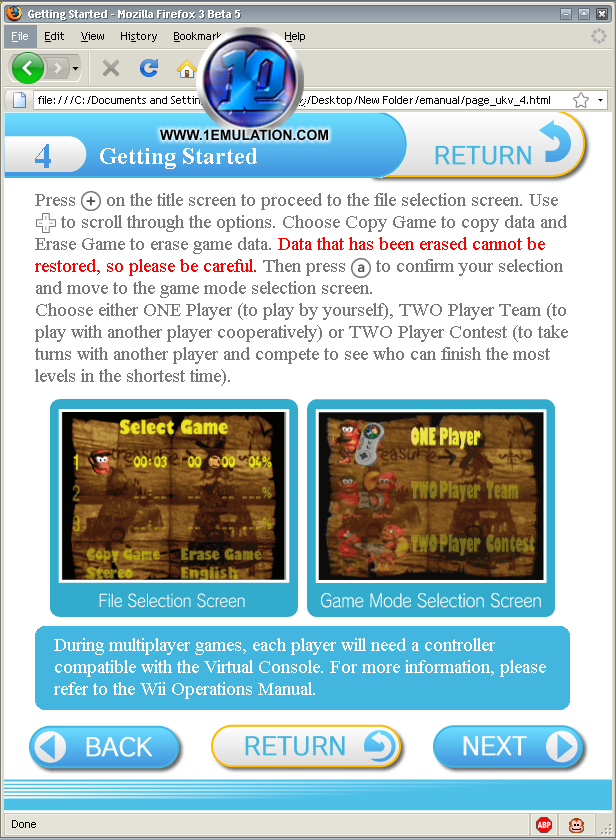
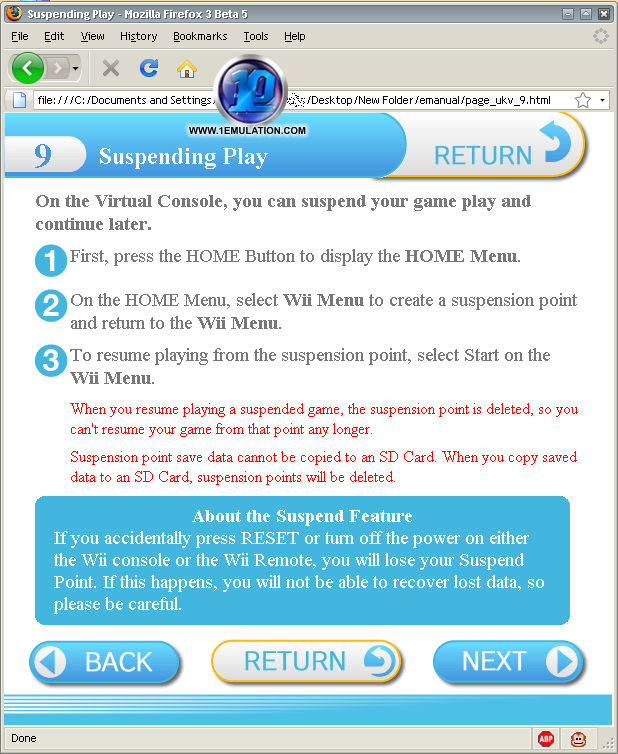
However, since the first few virtual console games have been released in the inner cores of the Internet, one of our staff members took the liberty in seeing what one these decrypted virtual console games (and which he owned) had inside them. Upon further inspection, he found that the game held a ROM file, that can even be played on emulators! Not only that, but the documentation of the game that you can read on the Nintendo Wii is simply a bundle of HTML files. The virtual console games come with the emulator as well, and the emulator application is one of the files in the game WAD.
I finally got my hands on the files and it looks like it'd be easy enough to hack the files to use different ROMs. Hell, the ROM used by the VC title plays just fine on SNES9x
Oh, and I figured out how the archives are laid out. ^^
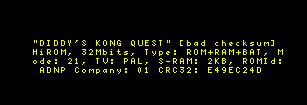
Some more screenshots:
SMSAdvance 2.4 released
BSNES 0.031 released

SNES emulator
2008-04-13 - bsnes v0.031 released
New release posted. Perhaps the most important change was fixing a bug in the Windows port when the keyboard was used for input. For some reason, the IsDialogMessage() function I use for tab key support was causing the main window to emit the Windows error beep every time a key was pressed after a few minutes of use. I do not know why this is, so I have simply disabled the tab key support to prevent this from happening.
Other than that, lots of polishing went into this release. UPS soft-patching will work with the recently released Der Langrisser v1.02 translation, for those curious. You can also store the UPS patches in GZ/ZIP/JMA support, and bsnes will detect this and decompress the patches first. Use the same ".ups" file extension for this, as it detects via file header.
If you wish to try out the newly added OpenGL support: start bsnes, go to Settings->Configuration->Advanced and set system.video to "wgl" (or "glx" for Linux users), and then restart the emulator. Please bear in mind that ATI's OpenGL drivers are an industry-wide joke, so I'd only recommend trying this on an nVidia or Intel video card.
Changelog:
• Fixed bug and re-enabled HDMA bus sync delays
• Emulated newly discovered IRQ timing edge case
• Optimized offset-per-tile rendering
• Added state-machine implementation of S-DSP core, ~5% speedup
• Added SPC7110 detection, will now warn that this chip is unsupported
• Fixed very annoying Windows port OS beeping noise when using keyboard for input
• Linux port will now save most recent folder when no default ROM path is selected
• Added OpenGL rendering support to Windows port [krom]
• Fixed Direct3D pixel mode scaling bug [krom, sinamas, VG]
• Improved SNES controller graphic [FitzRoy]
• Added UPS (not IPS) soft-patching support; UPS patch must be made against unheadered ROM
• As always, cleaned up source code a bit
>> Get it HERE.
PSP2600 v1.1.3 released
Atari 2600 emulator for PSP
Hi All,
For gamers who have missed previous versions, Stella is on of the best emulator of Atari 2600 game console, running on many different systems, such as Linux, Solaris, Windows, MacOS/X, WinCE, OS/2, GP2X.
It has been written initially by Bradford Mott, see Stella site for details.
PSP2600 is a port on PSP of the version v2.2 of Stella. It's based on the work of Aenea who was the first to port Stella to PSP.
It has been developed on linux for Firmware 3.x-m33 and 1.5.
What's new in this version ?
- Eboot music from Observe & Control (big thanks to Gnuth !)
- Rewrite many parts of the code for speed improvements, but sadly not enough to play pitfall2+ ...
>> Get it HERE.
-
Top Downloads
-
-
Topics
-